Open Settings
Select Plugins to Manage, Plugins, Skills, and MCPs
Select MCPs
Click Add - Add MCP Server
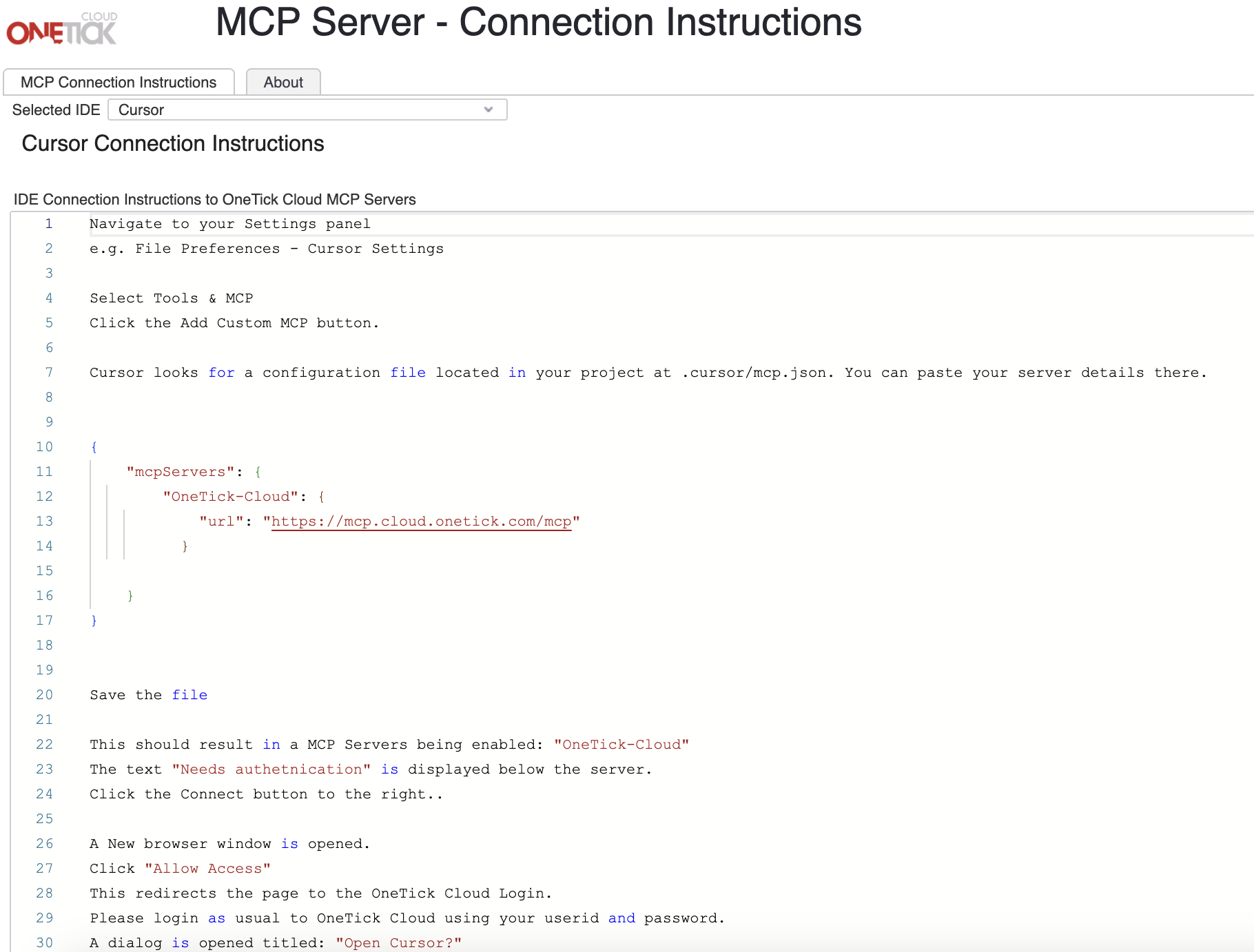
Add Details a) Name: OneTick-Cloud b) Type: Streamable HTTP c) URL: https://mcp.cloud.onetick.com/mcp
Save
Click Back to App
< Back to MCP Main Page