Claude Terminal

ONETICK CLOUD MCP | CONNECTION INSTRUCTIONS


Use the following instructions to get started with Claude Terminal:


Run the following command in your terminal to add the server:

claude mcp add OneTick-Cloud --transport sse https://mcp.cloud.onetick.com/mcp

All done!


< Back to MCP Main Page


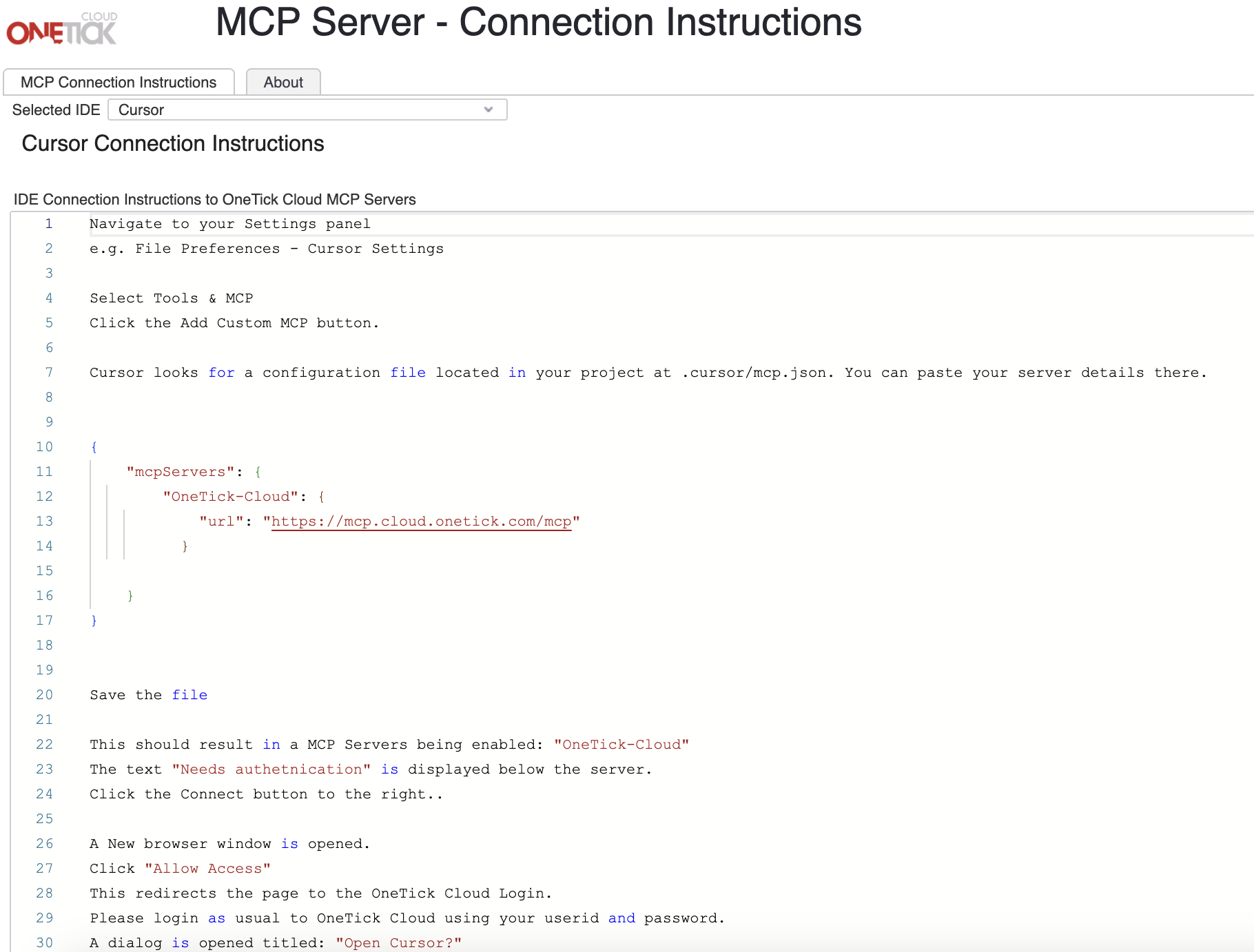
Screenshot 2026-05-18 at 3.49.08 PM


OneTick Cloud MCP Server - Connection Instructions

Login to your OneTick Cloud account today to get started.


Login Here